
A Quick Guide to Time and Attendance Systems
Table of Contents
Many organizations eventually reach a point where they start asking questions like: Did an employee arrive on time? Were they here last week? How many hours did they actually work? Are employees taking the breaks they’re supposed to?
The questions can seem endless, but they often lead back to the same solution: a time and attendance system.
In this guide, we’ll look at what a time and attendance system is, how different systems capture employee time, how that data moves into payroll, and how they can help reduce time theft.
Key Takeaways
- A time and attendance system turns raw clock events into payroll-ready hours and a record you can defend in an audit.
- Four capture methods dominate: RFID and NFC badges, geofence clock-in, fixed kiosks, and mobile apps. Most sites mix two of them.
- For multi-site and construction crews, badge and mobile check-in usually beat fingerprint biometrics on throughput and consent overhead.
- The payroll payoff comes from the integration, not the clock. A clean export into payroll removes the manual retyping that causes most errors.
- Under the federal Fair Labor Standards Act, employers must keep payroll records three years and time cards two years.
What Is a Time and Attendance System?
A time and attendance system records when employees start work, take breaks, and finish their shifts. It then turns those clock-in and clock-out records into hours that can be used for payroll. Depending on the system, employees can clock in using a badge, phone, kiosk, or geofence, while managers get a clear record of when and where employees clocked in.
The biggest difference between a time and attendance system and a manual log or spreadsheet is when the information is recorded. Instead of asking employees to remember when they arrived or trying to piece together hours at the end of the week, the system records the time as it happens. That gives managers a more accurate record of hours worked and makes it easier to catch issues before they make their way into payroll.
Different Time Capture Methods
There’s no single way to track employee time. The best clock-in method depends on where employees work, how they move throughout the day, and what your organization needs to verify.
Some businesses rely on badges at a fixed location, while others use phones, kiosks, or geofencing for employees working across different locations. Many organizations also combine methods to make time tracking work across their entire workforce.
Below are some of the most common ways employees can clock in.
1. RFID/NFC Badge Readers
Badge readers are a simple option for employees who regularly report to the same location. Employees tap or wave an RFID or NFC badge near a reader to record their clock-in or clock-out time.
Because employees can move through a reader quickly, badge systems work especially well for large worksites such as manufacturing facilities, construction sites, and other locations with a high volume of employees arriving at once.
Advantages
- Fast check-in process
- Easy to use
- Works well for large workforces
Limitations
- Badges can be shared between employees unless paired with additional verification such as photos or location tracking
2. Geofence
Geofencing uses a virtual boundary around a worksite to determine where an employee is when they clock in. If the employee’s phone is within the designated area, they can clock in without needing a physical reader.
This can be especially useful for field employees and teams that work across multiple job sites. Instead of installing a clock at every location, employees can use their phones to record their time.
Advantages
- Ideal for field employees and remote job sites
- Requires no physical hardware
- Improves payroll accuracy through location verification
Limitations
- Geofencing relies on a mobile device and GPS, so factors such as location accuracy and battery life can affect the experience
3. Kiosk Clock-In
A kiosk gives employees a shared place to clock in and out using a tablet or other terminal. Depending on the system, employees may use a PIN, badge, or biometric verification.
Kiosks are a good fit for warehouses, factories, and other workplaces where employees report to one location but may not carry a company phone.
Advantages
- Low hardware cost
- Centralized attendance tracking
Limitations
- Can create lines during shift changes
- A single device may become a point of failure
4. Mobile Check-in
Mobile apps allow employees to clock in directly from their mobile device. Depending on the system, businesses can add features such as GPS verification or photo capture to provide more information about each clock-in.
Mobile check-in is particularly useful for distributed teams, supervisors, and employees who move between locations throughout the day. It can also give managers real-time visibility into who is working, right from the palm of their hand.
Advantages
- Excellent for distributed teams and supervisors
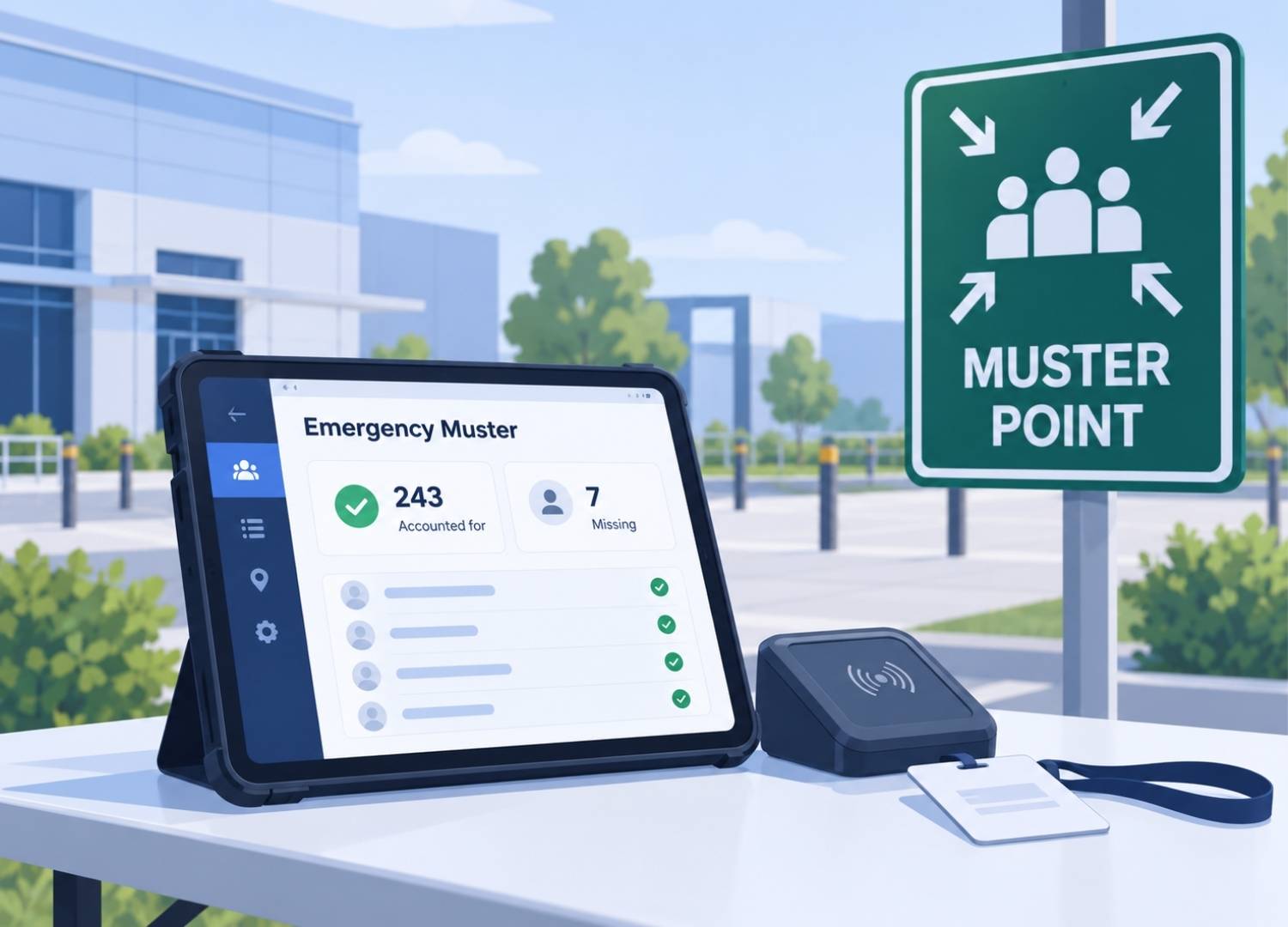
- Supports emergency headcounts and real-time workforce visibility
Limitations
- Requires every employee to have a compatible device
Payroll Integration
Getting employees to clock in and out is only part of the process. Once those hours are recorded, they still need to make their way to payroll.
A time and attendance system can send verified employee hours directly to your payroll system through file exports, scheduled synchronization, or an API connection. This eliminates the need to manually re-enter hours and helps reduce the errors that can come with copying information from one system to another.
Before choosing a system, make sure it works with your payroll provider and gives managers an opportunity to review employee hours before payroll is processed. Pay rules such as overtime, breaks, shift differentials, and rounding should also be configured correctly so payroll receives the right information from the start.
How Time and Attendance Systems Help Prevent Time Theft
Time theft occurs when employees are paid for time they did not actually work. Common examples include early clock-ins, late clock-outs, extended breaks, and buddy punching, where one employee clocks in for another.
A time and attendance system reduces these issues by verifying both identity and location. Badge readers confirm who clocked in, geofencing confirms where they were, and photo verification or kiosks provide additional proof of attendance. Combining verification methods makes fraudulent punches more difficult while creating reliable records for payroll and compliance.
Accurate attendance records also protect employers during audits or wage disputes. Federal law requires businesses to maintain payroll records and documentation of hours worked, making a reliable attendance system an important compliance tool. At the same time, organizations should balance security with convenience, choosing verification methods that match their level of risk without slowing employees unnecessarily.
What to Look for in Time and Attendance Systems
Not every time and attendance system will be the right fit for every workforce. Before choosing a system, consider how your employees work, where they work, and what you need the system to do.
- Understand your workforce: Consider employee locations, shift schedules, headcount, and whether workers carry phones or badges.
- Verify payroll integration: Ensure the system connects directly with your payroll software to eliminate manual data entry.
- Choose the right level of verification: Decide whether badges, geofencing, photos, or multiple methods best fit your security needs.
- Support multiple locations: Businesses with several job sites or contractors should confirm the system can manage all workers within one platform.
- Review reporting features: The system should provide clear, exportable attendance records for payroll, audits, and compliance.
Evaluating these factors before making a purchase helps organizations select a system that improves efficiency while meeting operational requirements.
Key Terms
If you’re comparing time and attendance systems, you’ll likely come across some of these terms. Here’s a quick breakdown of what they mean.
- Time and attendance system: Software that records employee work hours and prepares them for payroll.
- RFID/NFC: Technologies that allow employees to clock in by tapping or scanning a badge.
- Geofence: A virtual GPS boundary that restricts clock-ins to a designated work area.
- Kiosk: A shared tablet or terminal used for employee clock-ins.
- Biometric verification: Attendance verification using fingerprints or facial recognition.
- Buddy punching: One employee clocking in for another.
- Time theft: Paying employees for time not actually worked.
- Pay rules: Company policies for overtime, breaks, shift differentials, and rounding.
- Clock event (Punch): A recorded clock-in, clock-out, or break.
- Exception: A punch that violates company rules and requires supervisor review.

Cloud-In-Hand® Solutions Team
This blog reflects the expertise of the Cloud-In-Hand® Solution Team with over 100 years of experience in hardware, software, and firmware development. Since founding Solutions Consulting in 1992, now known as Serialio LTD, the Solution Team has designed and developed many innovative solutions. Cloud-In-Hand® Stratus-io Time and Attendance, helps organizations like Apple, Google, Toshiba, LinkedIn, Salesforce, and many more, streamlining their operations.
Cloud-In-Hand® Solution Team
This blog reflects the expertise of the Cloud-In-Hand® Solution Team with over 100 years of experience in hardware, software, and firmware development. Since founding Solutions Consulting in 1992, now known as Serialio LTD, the Solution Team has designed and developed many innovative solutions. Cloud-In-Hand® Stratus-io Time and Attendance, helps organizations like Apple, Google, Toshiba, LinkedIn, Salesforce, and many more, streamlining their operations.
Frequently Asked Questions
What is the difference between a time and attendance system and payroll software?
A time and attendance system records employee work hours and applies company pay rules. Payroll software uses those approved hours to calculate wages, taxes, and deductions before issuing employee paychecks.
Do businesses need biometric fingerprint readers?
No. Many organizations successfully use badge readers, mobile apps, kiosks, or geofencing instead. These methods often provide faster check-ins while avoiding the privacy concerns associated with biometric data.
How long should attendance records be kept?
Federal law requires employers to retain payroll records for at least three years and supporting time records, such as time cards, for at least two years. A quality time and attendance system stores these records in an organized, exportable format.
Can one system manage employees and contractors?
Yes. Many modern attendance systems allow organizations to track employees, subcontractors, and temporary workers within the same platform using badges or mobile check-ins.
How does geofencing improve accuracy?
Geofencing allows employees to clock in only when they are physically within a designated worksite. This helps prevent off-site or early clock-ins and improves payroll accuracy.
Read More About Stratus-io
October 3, 2026
September 20, 2026