
Use Photo-Based Rosters in Stratus-io for Faster Emergency Headcounts
Managing a group of people—whether it’s employees, students, or contractors—can be difficult, especially during an emergency. You never really know what situation might come next, which makes it even more important to have a system in place that helps you stay organized and account for everyone quickly.
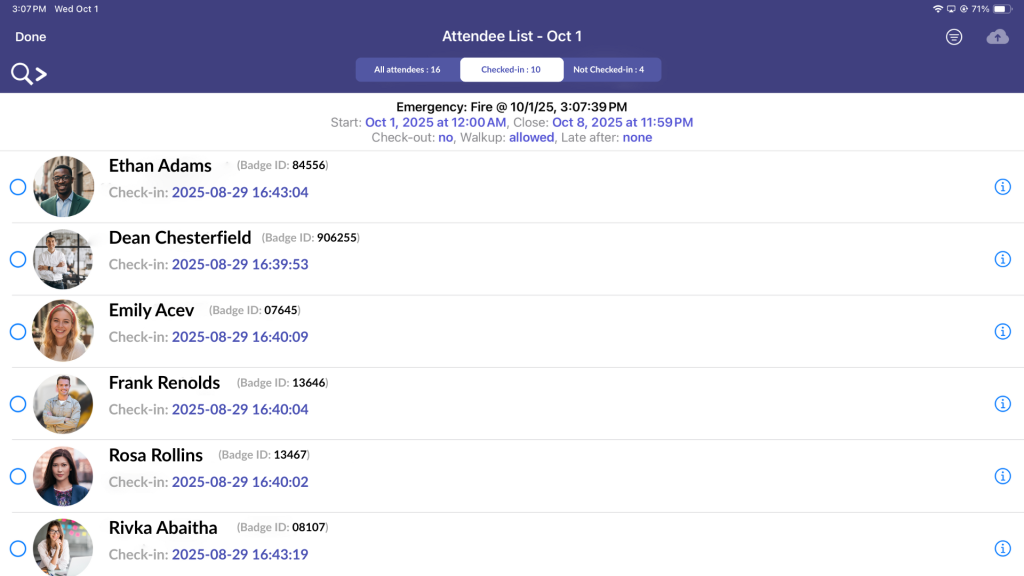
That’s why Cloud-in-Hand is always working on ways to make emergency response easier and more reliable. With our latest update to the Stratus-io time and attendance app, we’ve added a simple but impactful improvement to how emergency headcounts are handled. Previously, muster captains could only see names when individuals checked in. Now, they can also see a photo alongside each name and badge ID, making it much easier to quickly recognize who’s been accounted for.
Below is a quick look at how the feature works and how it fits into your check-in process.
How to Optimize Emergency Headcounts
Even minor enhancements can significantly boost emergency preparedness and response. By expediting the emergency headcount process, we can streamline evacuations safely and effectively. Here’s how to optimize emergency headcount with our latest feature:
1. Set up an Emergency Event
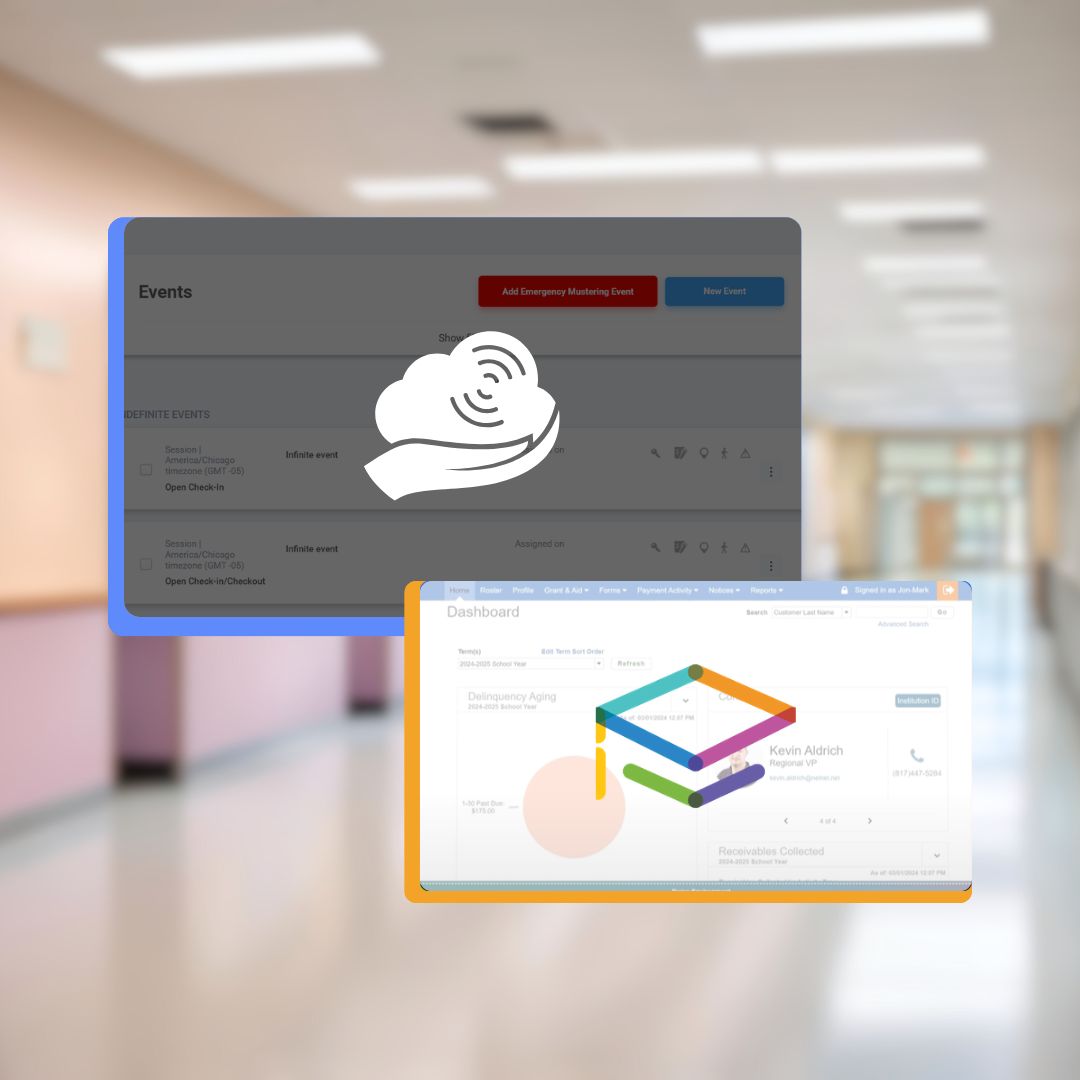
Start by setting up an emergency event ahead of time so you’re ready when something happens. This allows you to quickly notify your team and begin tracking headcounts right away. You can set this up directly in the Cloud-In-Hand® platform, and if you need help, you can refer to the tutorial for a step-by-step walkthrough.
2. Use SMS Alerts
Once the event is configured, the muster captain can swiftly send an alert using the Stratus-io: Emergency Headcount time and attendance app. These alerts are distributed via SMS/text messaging, promptly notifying individuals of the emergency.
3. New Feature: Photo-based Roster
Muster captains can now upload employee photos to create a more visual roster, making it easier to quickly identify who’s being checked in. In the past, they had to read through names one by one, which could get overwhelming, especially with larger groups. Now, with profile pictures displayed alongside names, it’s much easier to scan the list and confirm individuals at a glance.
4. Instantly Account for Everyone
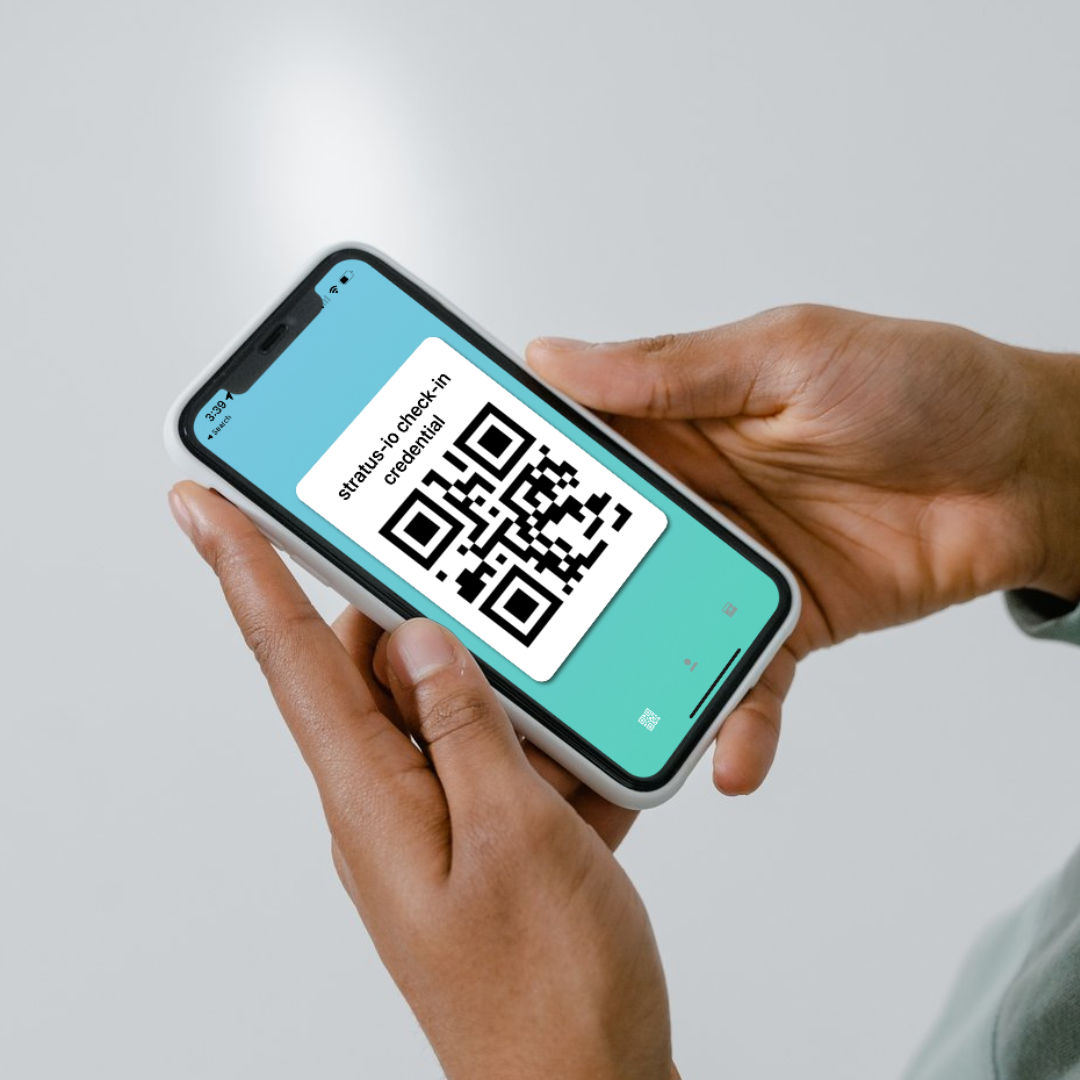
With everything set up, the check-in process becomes much more streamlined. Team members can check in using the method that works best for them—whether it’s scanning their badge with the idChamp® Wireless Smart Card reader, using RFID or barcode, checking in through their mobile device, or at a kiosk. With multiple options and the added visibility from photo-based rosters, muster captains can quickly confirm who’s safe and keep the process moving without delays.
Now that everything is set up, it helps to see how it all comes together—below you can find a quick video of the feature in action, along with an example of the Stratus-io photo-based roster.
Conclusion
With our latest enhancements to the Stratus-io: Emergency Headcount app, we commit to ensuring a safe and rapid emergency evacuation The introduction of profile pictures to our time and attendance app is just one example of how we’re continually innovating to meet the evolving needs of our users. We’re excited about the positive impact this feature will have on emergency response procedures and look forward to continuing to enhance our app to better serve our users!
Read More About Stratus-io
June 6, 2024

May 14, 2024